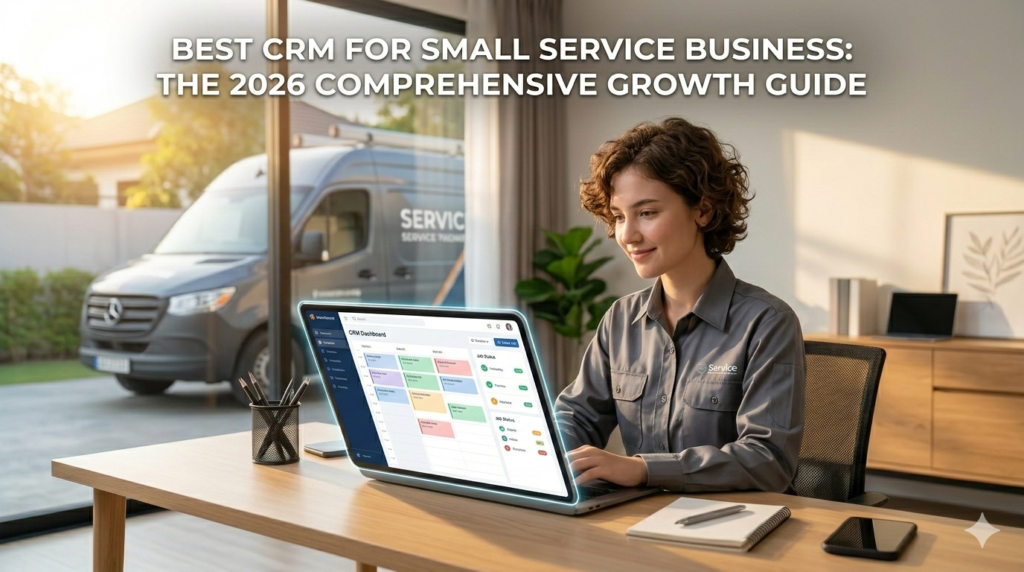
Efficiency in the palm of your hand: Leading your service business with digital precision.
In the service industry, your product isn’t a physical item on a shelf—it is your time, your expertise, and the quality of your client relationships. For small service providers, from HVAC technicians and landscapers to digital agencies and specialized consultants, the ability to manage these intangible assets determines the ceiling of your success. In 2026, finding the best CRM for small service business is no longer a “tech choice”; it is the foundation of your operational survival and scalability.
Small service businesses (typically teams of 1-50 people) face a unique challenge: managing high-touch client communication while simultaneously juggling site visits, service delivery, and invoicing. Without a centralized Customer Relationship Management (CRM) system, leads vanish into unreturned voicemails, and billing cycles stretch into months. This guide serves as your roadmap to selecting a system that turns chaos into a streamlined, high-growth engine.
Whether you are looking to automate your first few clients or manage a fleet of 20 field technicians, the right technology ensures your “small” business operates with the precision of a global enterprise.
1. Why Service Businesses Require a Specific CRM Framework
Standard CRMs are often built for long B2B sales cycles or quick e-commerce transactions. However, service-based models operate on a hybrid of scheduling, recurring trust, and localized reputation.
The Problem with “Information Silos”
In many small service firms, customer data is scattered across personal phones, paper notebooks, and various email threads. When a client calls with an urgent request, searching for their history wastes time and project momentum. A specialized CRM acts as a “Single Source of Truth,” allowing any team member to pick up exactly where the last interaction left off.
Managing the “Service Lifecycle”
A service business doesn’t end at the “sale.” It begins there. Your CRM must handle the transition from a lead inquiry to a scheduled appointment, and finally to a satisfied review. In 2026, the best CRM for small service business models must offer integrated job tracking to ensure the work promised matches the work delivered.
Reputational Momentum
For small teams, referrals are the lifeblood of growth. A CRM ensures that you never forget to follow up after a job is completed. Automating a “How did we do?” email can be the difference between a silent customer and a five-star Google review.
2. Essential Features for Small Service Teams in 2026
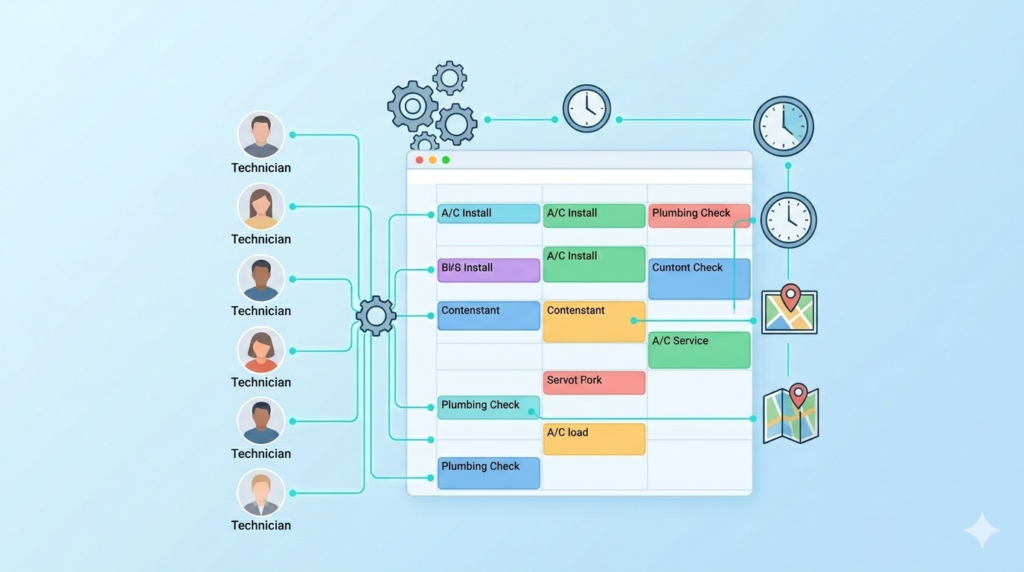
The heartbeat of your operations: Real-time scheduling and dispatch management.
When evaluating software, do not get blinded by enterprise-level features you will never use. Focus on these core functionalities that drive daily efficiency.
Integrated Scheduling and Dispatching
If your business requires you or your team to be on-site, your CRM and your calendar must be the same thing. Look for tools that allow clients to book their own appointments based on your real-time availability, reducing the “back-and-forth” of scheduling.
Automated Invoicing and Payments
Cash flow is the biggest pain point for service providers. The latest systems allow you to generate an invoice the moment a job is marked “complete” and accept digital payments (Credit Card, Apple Pay, etc.) on the spot.
Multi-Channel Communication (SMS & Email)
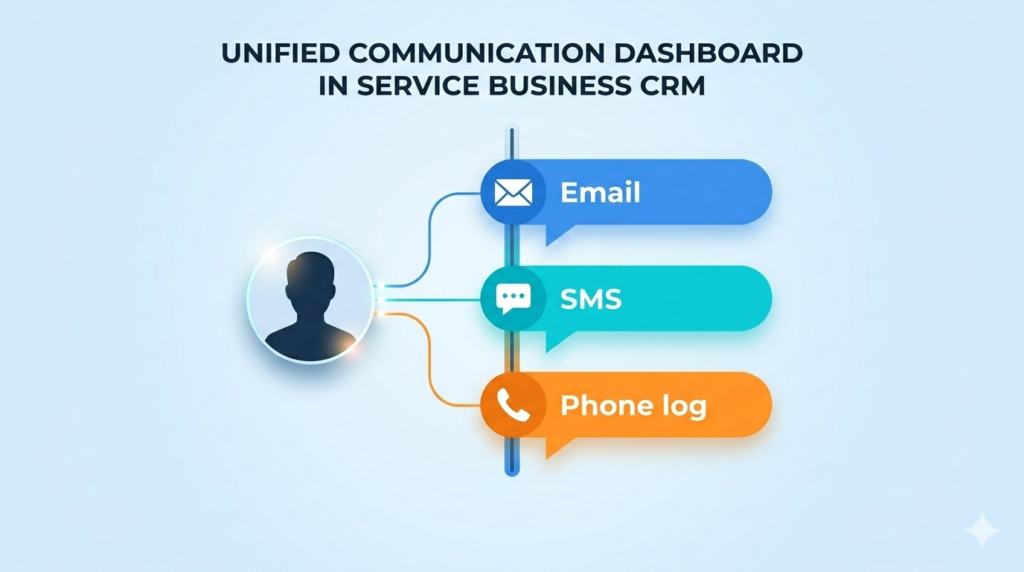
One conversation, multiple channels: Never lose track of client requests again.
In 2026, clients prefer text messages for quick updates but emails for formal quotes. Your CRM should centralize both. Seeing an SMS from a client right next to their previous email history provides the context needed for professional service.
3. Best CRM for Small Service Business: Top 2026 Solutions
We have vetted these platforms specifically for their utility in the service sector, prioritizing ease of use for small teams of 1 to 50 employees.
Jobber: The Field Service Powerhouse
Jobber is widely considered the best CRM for small service business teams that operate in the field (plumbing, cleaning, landscaping). It excels at “Job Management” rather than just “Lead Management.”
- Best For: Home and field service businesses.
- Pricing: Tiered plans start around $15–$20/month for solo pros, scaling as the team grows.
Monday.com: The Flexibility Champion
For service businesses that are more office-based or project-oriented (agencies, legal, accounting), Monday.com offers unparalleled customization. You can build a workflow that perfectly matches your unique service steps.
- Best For: Professional services and creative agencies.
- Pricing: Competitive per-user pricing, usually starting around $8–$10/month.
HubSpot CRM: The Growth Engine
HubSpot remains a top choice for small service firms that want to focus heavily on marketing and lead generation. Its “Service Hub” connects your customer support tickets directly to your sales data.
- Best For: Service firms with a heavy focus on content marketing and digital leads.
- Pricing: Powerful free tier; “Starter” suites are very accessible for small teams.
4. Calculating ROI: Turning Your CRM into a Profit Center
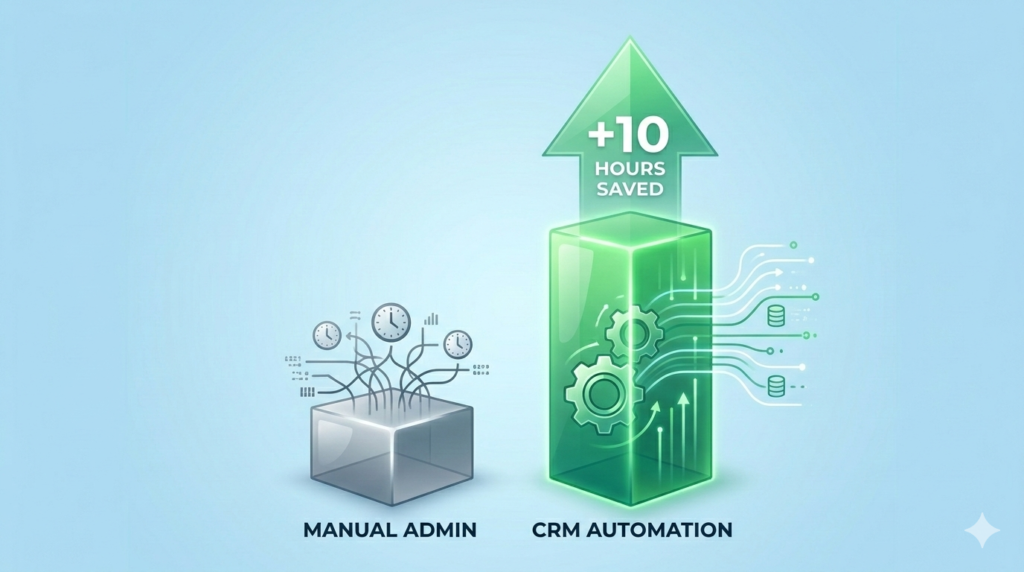
Investing in time: How much faster could your business grow with 10 extra hours a week?
A CRM is not an expense; it is an asset that pays dividends in recovered time and increased conversion rates.
Recovering “Lost” Leads
The average small service business loses up to 25% of its potential revenue simply by failing to follow up with an inquiry within 24 hours. If your average job is worth $500, recovering just two leads per month covers the cost of your CRM for the entire year.
Improving “Billable” Efficiency
By automating scheduling and invoicing, a CRM can save a small business owner 5–10 hours of administrative work per week. If you value your time at $50/hour, that is $2,000 worth of “found” time every month that can be spent on actual service delivery.
Enhancing Customer Lifetime Value (LTV)
It is much cheaper to re-sell to an existing customer than to find a new one. A CRM allows you to set “Reminders” for seasonal service (e.g., “Time for your annual AC tune-up”). This proactive approach turns one-time jobs into recurring revenue streams.
5. Overcoming Common Implementation Hurdles
Transitioning to a CRM can feel overwhelming for a small team. Here is how to handle the “Growing Pains.”
Pain Point: “My team is not tech-savvy.”
The Solution: Choose a tool with a world-class mobile app. Most service workers are comfortable using a smartphone. If the CRM feels as easy to use as a social media app, your team will adopt it. Start with just one feature—like logging hours—before moving to full automation.
Pain Point: “We don’t have time to set it up.”
The Solution: Use “Standard Templates.” In 2026, platforms like Jobber or Monday.com come with pre-built templates for specific industries. Don’t build from scratch; use the industry standard and tweak it as you go.
Have you considered how much revenue is currently sitting in your “unread” folder? Moving to a CRM today captures that value.
6. Real-World Scenario: The 15-Person Maintenance Team
Imagine a small property maintenance company. Before a CRM, the owner spent every evening manually typing invoices and texting workers their schedules. Errors were common, and payments were often 30 days late.
By implementing a specialized service CRM, the owner automated the schedule. Workers received their “Job of the Day” on their phones. Customers received automated “We’re on our way” texts. Invoices were sent automatically upon job completion. Within three months, the firm’s cash flow improved by 40%, and the owner stopped working weekends on admin.
7. Security and Data Integrity in the Service Sector

Peace of mind: Professional-grade security for your most valuable client assets.
As a small business, you are a custodian of your clients’ home addresses, phone numbers, and sometimes payment details. In 2026, security is a marketing advantage.
- Cloud Encryption: Ensure your CRM uses bank-level encryption (AES-256).
- Role-Based Access: Your field technicians should see their schedule, but they don’t necessarily need to see your full financial reports.
- GDPR & Privacy Compliance: Even small businesses must comply with data privacy laws. Using a reputable CRM ensures you stay on the right side of the law automatically.
8. Conclusion: Scalability Starts with Organization
The best CRM for small service business success is the one that removes the friction between you and your customers. Technology in 2026 has finally become accessible enough that a 2-person team can provide a customer experience that rivals a national franchise.
By centralizing your communications, automating your billing, and protecting your data, you aren’t just buying software—you are building a moat around your business. You are ensuring that as you grow, your quality of service doesn’t diminish. Start small, focus on the features that solve your biggest headache, and watch your service firm transform into a scalable growth machine.
Frequently Asked Questions About Best CRM for Small Service Business
Q1: What exactly is a CRM for a service business?
A CRM (Customer Relationship Management) system is a digital tool that stores client info, tracks communication, manages schedules, and often handles invoicing. For service businesses, it specifically helps bridge the gap between “winning a job” and “completing a job.”
Q2: Is a CRM worth it if I only have 5 clients?
Yes. Even with 5 clients, a CRM helps you build a professional history and automates your follow-ups. It sets the foundation so that when you grow to 50 or 500 clients, your systems are already in place.
Q3: How much does a service CRM cost in 2026?
Small business plans typically range from $15 to $50 per month. Many offer free tiers for very small teams. The cost is almost always offset by the time saved on administrative tasks.
Q4: Can I use my CRM to send marketing emails?
Most modern CRMs for service businesses have built-in email marketing. You can send newsletters, special offers, or seasonal reminders to your entire customer list with a few clicks.
Q5: How long does it take to set up a CRM?
For a basic setup using an industry template, you can be up and running in a few hours. For more complex teams with 20+ members, a full transition—including data migration and training—usually takes 2 to 4 weeks.
Q6: Do I need a separate app for invoicing?
No. One of the main benefits of the best CRM for small service business tools is that they integrate invoicing directly. When a job is finished, the invoice is generated automatically using the data already in the system.
Q7: Can my clients book their own appointments?
Yes. Most 2026 CRMs offer a “Client Portal” or a booking link that you can put on your website or social media, allowing clients to choose a time slot that works for both of you.
Q8: Is my data safe in the cloud?
Reputable CRM providers spend millions on security. Your data is significantly safer in a secure, encrypted cloud environment than it is in a physical notebook or an unprotected spreadsheet on your laptop.
Q9: Can I track my team’s location with a CRM?
Many field service CRMs include GPS tracking or “Check-in” features, allowing you to see where your team is in real-time and provide customers with accurate ETAs.
Q10: Does a CRM help with getting reviews?
Absolutely. You can set up an automation that sends a “Thank You” email or SMS after a job is completed, including a direct link to your Google Business or Yelp profile.
Q11: Can I switch CRMs if I don’t like the one I pick?
Yes. Almost all platforms allow you to export your data into a CSV or Excel file. However, it is better to do a free trial first to ensure the interface fits your team’s style before committing.
Q12: What is the best CRM for a solo service provider?
For solo pros, Jobber or HubSpot are excellent. They offer the power of automation without the complexity of managing a large team, and they have very affordable entry-level pricing.