Scaling with precision: How the right CRM empowers small teams to dominate the 2026 market.
In the rapidly shifting landscape of 2026, small business teams are facing a unique paradox: they have access to more data than ever before, yet they have less time to process it. For a team of 5 to 50 people, every minute spent on manual data entry or searching through fragmented email chains is a minute lost to innovation and customer engagement. This is where a modern Customer Relationship Management (CRM) system steps in—not merely as a digital rolodex, but as the central nervous system of your business growth.
Choosing the best CRM for small business teams in 2026 is no longer about just storing phone numbers. It is about predictive analytics, automated workflows, and seamless communication loops that allow a small team to punch far above its weight class. Whether you are managing a boutique consulting firm or a scaling e-commerce startup, the right CRM acts as a force multiplier for your human capital.
In this comprehensive guide, we will break down the essential components of a small business CRM, analyze the top contenders for 2026 without the clutter of affiliate links, and provide a roadmap for implementation that guarantees a high Return on Investment (ROI).
1. Why Small Teams Need a CRM in 2026
The “Golden Era” of spreadsheets is officially over. As customer expectations for personalization soar, relying on manual processes creates “information silos” where critical lead data lives only in one person’s head or a private inbox.
The Cost of Disorganization
For a team of 10, losing track of just two high-value leads per month due to poor follow-up can result in thousands of dollars in lost annual revenue. A CRM mitigates this by providing a “Single Source of Truth.” Every team member can see exactly where a prospect stands, what was last discussed, and what the next step should be.
Scaling Without Adding Headcount
Automation is the primary differentiator in 2026. A small business CRM can handle repetitive tasks—such as sending welcome emails, assigning leads to reps based on territory, or moving deals through a pipeline—allowing your core team to focus on high-touch relationship building.
2. Key Features to Look for in a Small Business CRM
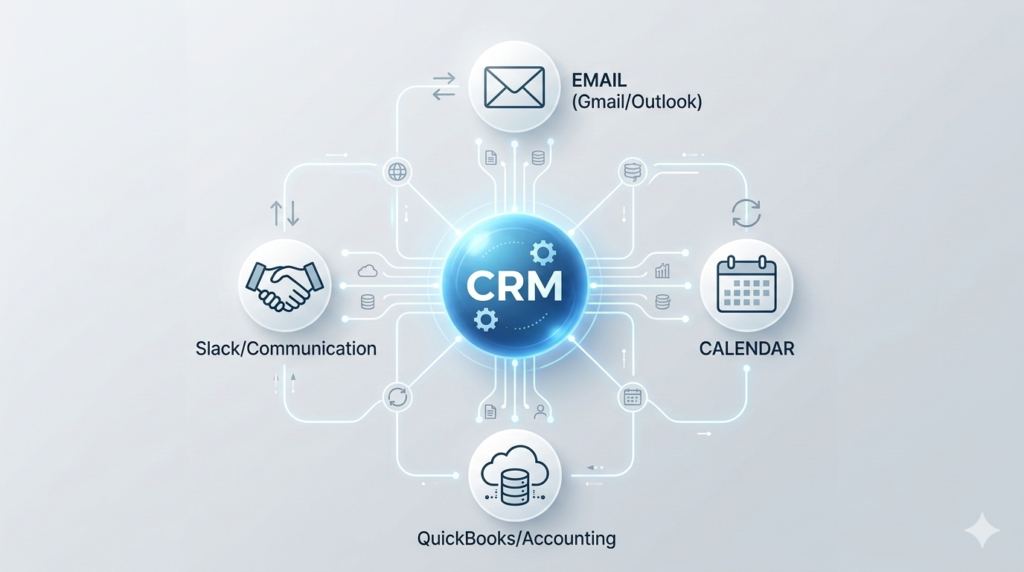
The unified ecosystem: Centralizing your business communication through a single source of truth.
When evaluating the best CRM for small business teams, avoid “feature bloat.” You need tools that solve real problems, not complex modules that require a dedicated IT department to manage.
User Interface and Adoption Rates
If a tool is hard to use, your team won’t use it. In 2026, the best CRMs prioritize “Zero-Entry” philosophies, where the software automatically pulls data from LinkedIn, emails, and calendar invites.
Deep Integration Capabilities
Your CRM must play nice with your existing stack. Whether it is Slack for internal communication, QuickBooks for accounting, or Mailchimp for marketing, a CRM without robust API or native integrations is a liability.
Mobile-First Functionality

Productivity on the go: Staying connected to your customer data anytime, anywhere.
With hybrid work being the norm, your sales team needs full CRM access on the go. Real-time notifications and the ability to update deal stages from a smartphone are non-negotiable features for 2026.
3. Top CRM Contenders for Small Business Teams (2026 Analysis)
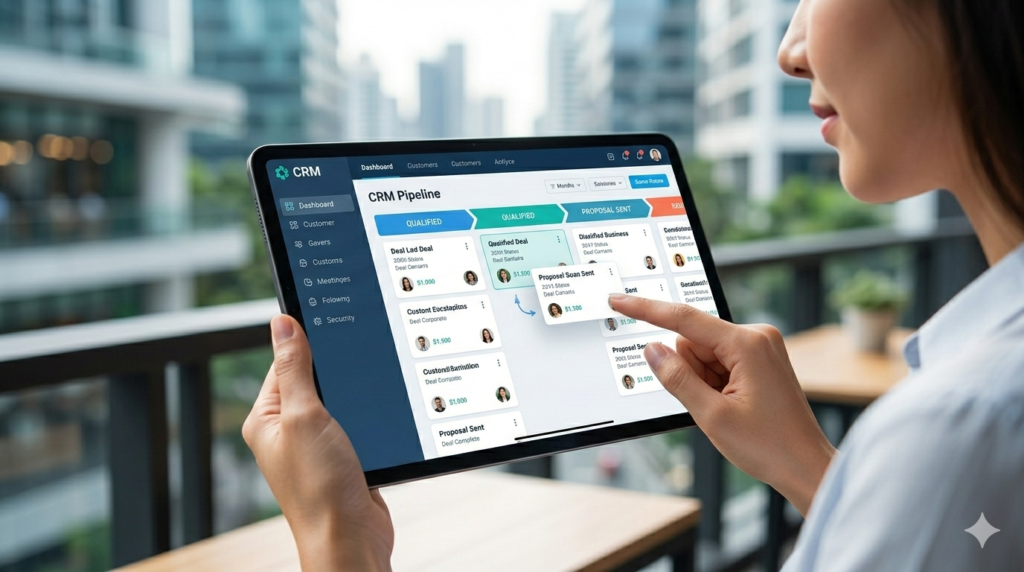
Visibility leads to velocity: Managing your sales stages with intuitive drag-and-drop interfaces.
We have analyzed the market to identify the most effective solutions for small teams, focusing on ease of use, scalability, and value for money.
HubSpot CRM: The All-in-One Powerhouse
HubSpot remains a favorite for small teams due to its “freemium” model. It allows teams to start for free and scale as they grow. Its marketing, sales, and service hubs are perfectly integrated, making it ideal for teams that want everything under one roof.
- Pros: World-class UI, excellent free tier, and powerful automation sequences.
- Pricing: Free version available; “Starter” plans typically begin around $20/month per user.
Pipedrive: The Sales-First Specialist
If your small team is focused strictly on closing deals, Pipedrive is hard to beat. Its visual pipeline management is intuitive, helping reps stay focused on the “next action” required to move a deal forward.
- Pros: Extremely easy to set up, great mobile app, and focused exclusively on the sales process.
- Pricing: Plans generally start at $15/month per user.
Zoho CRM: The Customization Champion
Zoho offers incredible depth for small businesses that have unique workflows. Its AI assistant, Zia, helps teams predict which leads are most likely to convert, a feature usually reserved for enterprise-level tools.
- Pros: Highly customizable, affordable for the feature set, and part of a massive ecosystem of business apps.
- Pricing: Standard plans start around $14/month per user.
4. Understanding ROI: How a CRM Pays for Itself
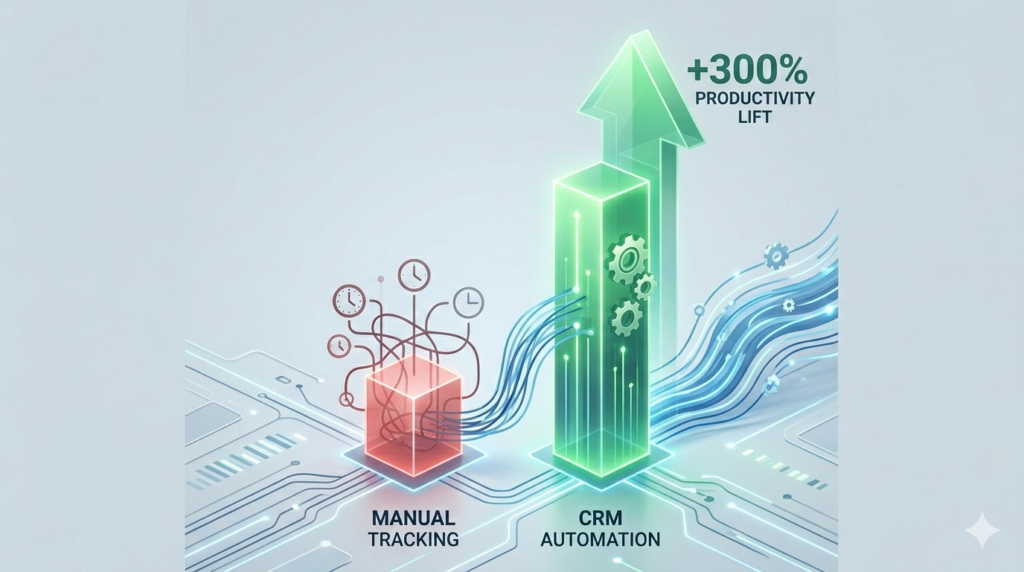
Quantifiable growth: The dramatic shift in productivity when small teams move from spreadsheets to automated CRM workflows.
Investing in a CRM is an upfront cost, but the long-term ROI is quantifiable. For a small team of 15 people, a CRM can save an average of 5 hours per week per person on administrative tasks.
Calculating the Value
- Time Saved: 15 people x 5 hours = 75 hours per week.
- Labor Value: At an average cost of $40/hour, that is $3,000 in saved labor costs every week.
- Revenue Lift: By increasing lead conversion rates by just 5% through better follow-up, a small business can often double its CRM investment within the first quarter.
Are you ready to stop losing leads to spreadsheets? Implementing a CRM today is the most significant step you can take toward a scalable future.
5. Overcoming the “Pain Points” of Implementation
Many small teams fear the transition to a CRM. Common concerns include data migration and the learning curve.
Data Migration Strategies
Most 2026 CRM platforms offer “one-click” imports from CSV files or direct syncs from Google Contacts. The key is to clean your data before you import it. Remove duplicates and outdated contacts to ensure your new system starts with high-quality information.
Training Your Team
Don’t try to learn every feature on day one. Focus on the “Core Three”: adding a contact, logging an interaction, and moving a deal through the pipeline. Once the team is comfortable, introduce advanced automation.
6. Real-World Scenario: The 10-Person Agency
Imagine a small creative agency. Before a CRM, they relied on a shared Google Sheet. Leads were forgotten, and three different people often emailed the same prospect without knowing it.
After implementing a solution like HubSpot or Pipedrive, the agency gained a shared view. When a lead enters their website, they are automatically assigned to a rep. If the rep doesn’t follow up in 24 hours, the manager gets an alert. This level of accountability is what transforms a small business into a professional operation.
7. Security and Data Privacy in 2026
Small businesses are often targets for cyberattacks. Choosing a CRM with SOC 2 Type II compliance and multi-factor authentication (MFA) is essential. Your CRM stores your most valuable asset—your customer data—so security should never be an afterthought.

Future-proofing your business: Building a sustainable foundation for long-term customer loyalty and scalable growth through integrated data.
8. Conclusion: Embracing the Future of Growth
The best CRM for small business teams is the one that your team actually uses. In 2026, technology has leveled the playing field, allowing small teams to provide the same level of personalized service as global corporations. By centralizing your data, automating your workflows, and focusing on contextual communication, you aren’t just buying software—sen are investing in your team’s ability to succeed.
Don’t wait until your spreadsheets break or your best customer leaves due to a lack of follow-up. Evaluate your team’s needs, choose a platform that fits your culture, and start building a more organized, profitable business today.
Frequently Asked Questions About Best CRM for Small Business Teams
Q1: What is a CRM and why does my small team need one?
A CRM (Customer Relationship Management) is a tool that stores all your customer information, interactions, and sales data in one place. Small teams need it to prevent data loss, automate boring tasks, and ensure every customer gets a personalized experience.
Q2: How much does a typical small business CRM cost?
In 2026, most small business CRMs cost between $15 and $50 per user per month. Many platforms also offer free versions with limited features that are perfect for very small teams just starting out.
Q3: Do I need a technical background to set up a CRM?
No. Most modern CRMs are designed for non-technical users. They use “drag-and-drop” interfaces and offer extensive help centers and video tutorials to guide you through the setup process.
Q4: How long does it take to implement a CRM?
For a small team, a basic setup can be done in a few hours. However, fully migrating your data and training your team to use it effectively usually takes 2 to 4 weeks of consistent use.
Q5: Can I switch CRMs later if my business grows?
Yes. Almost all CRM platforms allow you to export your data into a CSV format, which can then be imported into a new system. However, it is better to choose a scalable system from the start to avoid the hassle of switching.
Q6: Does a CRM help with email marketing?
Most of the best CRMs in 2026 have built-in email marketing tools. You can send newsletters, set up automated “drip” campaigns, and track who opens your emails directly within the CRM.
Q7: Is my data safe in a cloud-based CRM?
Yes, provided you choose a reputable provider. Look for features like SOC 2 compliance, 256-bit encryption, and Two-Factor Authentication (2FA) to ensure your customer data is protected.
Q8: What is the best CRM for a team of under 10 people?
HubSpot is often cited as the best for very small teams due to its excellent free tier. Pipedrive is also a top choice for teams that want a simple, sales-focused interface without unnecessary complexity.
Q9: Can a CRM help me measure ROI?
Absolutely. CRMs provide detailed reports on sales performance, lead conversion rates, and the length of your sales cycle. This data allows you to see exactly which marketing efforts are generating revenue.
Q10: Does a CRM work on mobile devices?
Yes, all major CRMs in 2026 offer dedicated mobile apps for iOS and Android, allowing your team to access customer data, update deals, and respond to inquiries from anywhere.
Q11: What is “AI” in a CRM and do I need it?
AI in a CRM can help predict which leads are likely to buy, suggest the best time to send an email, and automate data entry. While not strictly “necessary,” it saves a significant amount of time for small teams.
Q12: How do I get my team to actually use the CRM?
The best way is to lead by example. Ensure all meetings and notes are logged in the CRM, and make it the “official” record for your company. Keep the initial setup simple to avoid overwhelming your staff.
Pingback: Making Money With AI Art: The 2026 Blueprint - yourtasksai.com